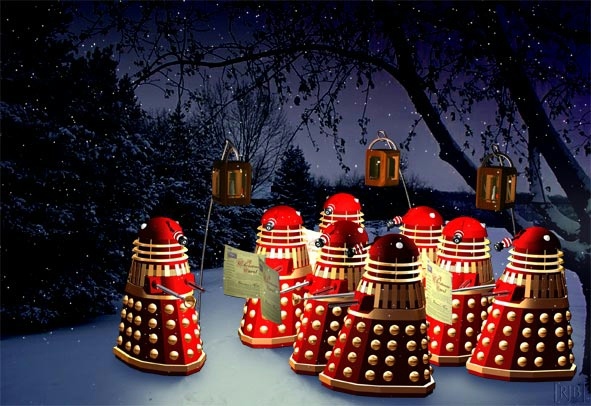
My Christmas music mix from 2004 still stands.
by Chris Barrus

My Christmas music mix from 2004 still stands.
If I had thought to check earlier (Heavens Above really needs a custom RSS feed) I could have grabbed the requiste time-lapse satellite trail photo, but this underexposed over-enhanced photo will have to do.

To the left is the moon. The white dot to the right is the International Space Station as it passed directly over Los Angeles this evening. Thanks for the heads up LA Observed.
 Unsolicited testimonial…
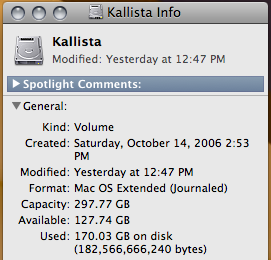
I’ve been so accustomed to switching computers via FireWire target disc mode that when it came time to upgrade the quaint 5400rpm/160GB internal drive on my notebook to a speedy new 7200rpm/320GB drive I was all ready to plunge into the hassle of booting both drives on a second computer and then cloning. I figured there had to be some locked or in-use files that wouldn’t copy over no to mention the morass of file permissions that needed to be tracked.
Carbon Copy Cloner (donation-ware even!) couldn’t do all that by itself, that’s way too unnervingly easy. In the end it was that easy: hook up the new drive via FireWire, tell Carbon Copy Cloner to clone to the new drive, open up the case and replace new drive with old drive, and finally shame yourself for thinking in Mac OS 9 still.
I immediately jumped on FontShuffle as soon as I ran across it, but it immediately gave me an idea. If I were advanced enough of a programmer I’d try it myself but I’m nowhere near that point. Here it is:
Take a picture of a font sample, and the app identifies it. Take more pictures to get a better match. That’s it.
It’s analogous to how TinEye can dig up information on an album by simply taking a picture of the cover. Call the app FontEye for now. I strongly suspect that you could sell a copy to every single person on Typophile’s Type ID board.
Remember that you heard it here first!